Short answer: a Shopify store with one storefront, one language and a few hundred products usually does not need a PIM; the Shopify admin, its bulk editor and CSV import are enough. You start to need one when the same product data has to feed more than one place (Google Shopping, Amazon, a second store or market), when several people or suppliers edit it, or when you have to prove a product is complete before it goes live.
This guide shows what Shopify already does well, the signs you have outgrown it, how the options compare, and what to check before you choose a PIM for Shopify.
What Shopify already handles well
- Product and variant editing in the admin, with the bulk editor for changing many products at once.
- CSV import and export for products and variants.
- Metafields and metaobjects for structured detail beyond the standard fields, such as materials, care instructions or dimensions.
- Shopify’s standard product taxonomy, which gives each product a category with suggested attributes.
- Markets and translations for selling in more than one country or language.
If your catalog fits comfortably inside those tools and one person owns it, a PIM adds cost without much benefit. Start by cleaning what you have: our guide to Shopify categories, attributes and metafields covers the structure.
Signs you have outgrown the Shopify admin
- You keep the “real” product data in a spreadsheet and copy it into Shopify, Google Merchant Center and a marketplace by hand.
- The same product has a different title or spec in different places, and nobody is sure which one is right.
- Metafields are filled in for some products and empty for others, and you only notice when a filter or a feed breaks.
- Suppliers send product data in their own formats and someone reformats it every season.
- Translations are done in a separate tool and published without a review.
- Google Merchant Center rejects products for missing GTINs, brands or attributes that exist somewhere, just not in Shopify.
Two or more of these usually means the cost is already there, just spread across people’s time.
Your options compared
| Option | Good for | Breaks when |
|---|---|---|
| Shopify admin and bulk editor | One store, one person, a few hundred products | Data must also go to other channels, or several people edit it |
| CSV import and spreadsheet import apps | Large one-off updates and migrations | The spreadsheet becomes the system of record and drifts from Shopify |
| Metafields and metaobjects | Structured detail on the product page and in filters | Nothing enforces that they are filled in, or filled in the same way |
| A PIM connected to Shopify | One approved record sent to Shopify and every other channel | Your catalog is small and only ever sold in one place |
What a PIM adds for a Shopify brand
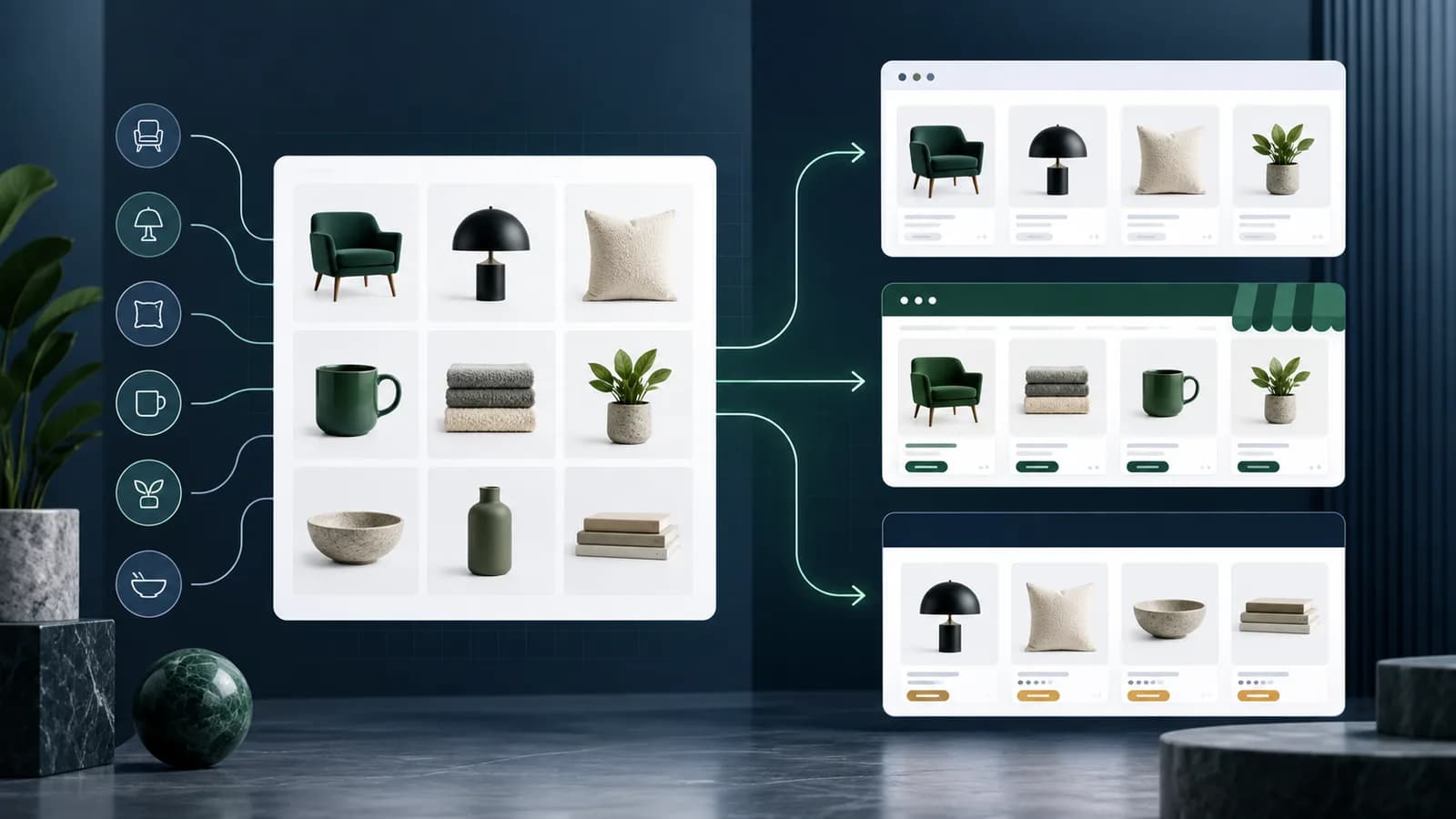
- One record for every channel. The same product goes to Shopify, Google Shopping, Amazon or a second store, each in the shape that channel needs.
- Variants and metafields managed as data. Options, SKUs, barcodes and prices per variant, and detail attributes written to metafields by the connector instead of by hand.
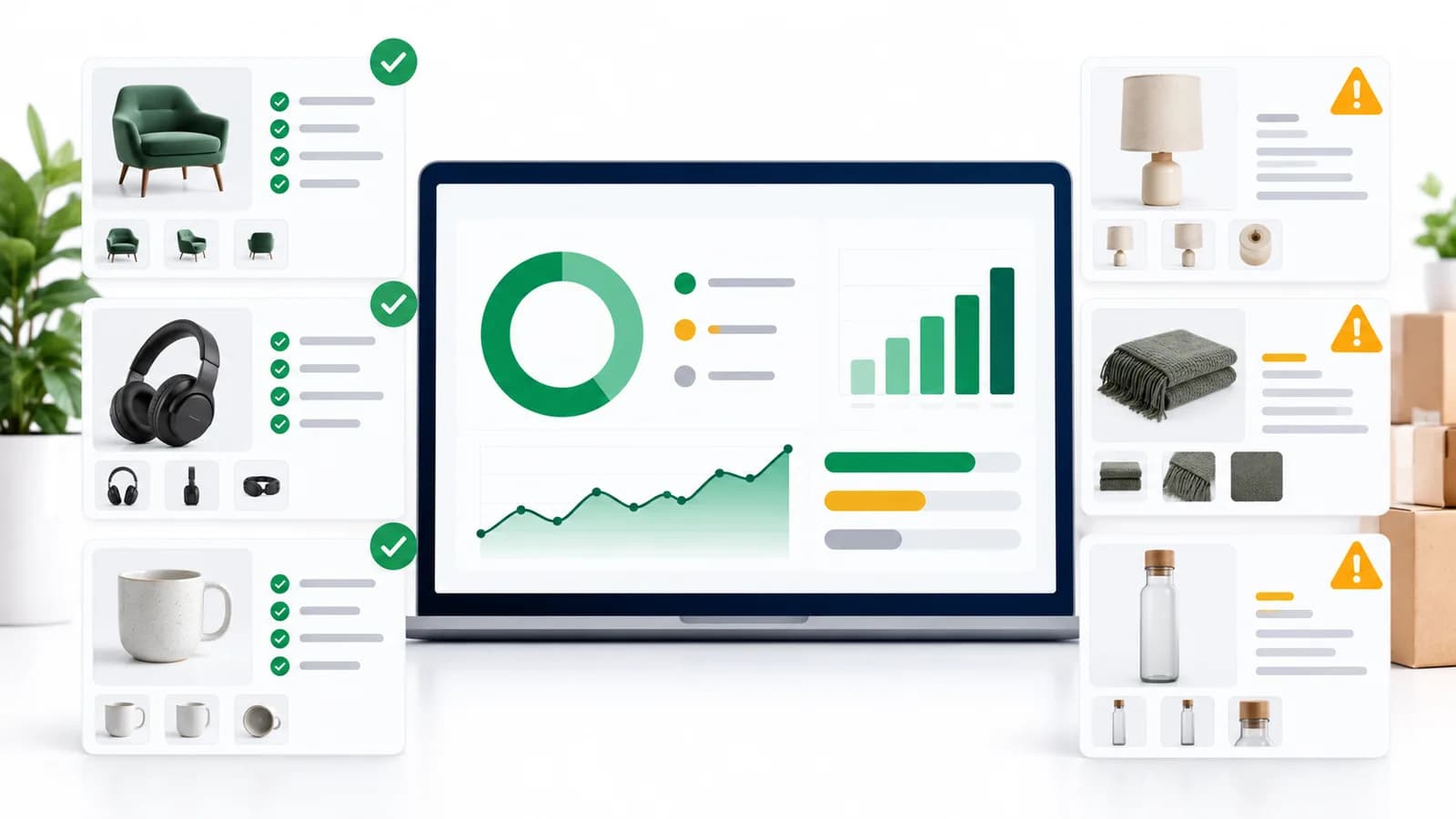
- Rules before publishing. Completeness checks stop a product without images, a GTIN or required attributes from going live.
- Review and approval. Suppliers, colleagues or an agency can edit, and a product reaches the store only after it is approved.
- Translations in the same record, reviewed before they publish.
The PIM for Shopify page shows the exact field mapping LynkPIM uses, from title and URL handle to variants and metafields.
What to check before you choose a PIM for Shopify
- Is the Shopify connector included or an add-on? Some PIMs charge for each connector every month; open-source PIMs often sell it as an extension.
- How are variants and metafields mapped? Ask to see a variant with its own price and barcode, and an attribute written to a metafield.
- Does it read changes back from Shopify without overwriting the PIM’s data?
- Can you hold back unapproved or incomplete products?
- What does it cost at two to three times your current catalog? Per-product, per-SKU-tier and per-seat pricing grow differently.
- Run a pilot with one product category and your real variants before you commit.
What it costs
Prices vary widely, from free plans to enterprise contracts; the best PIM software comparison lists published prices with sources. As one example, LynkPIM is free for up to 25 products with the Shopify connector included, then priced per product: $87.75 a month for 100 products, $272.25 for 300 and $398.25 for 1,000 (monthly billing; see pricing ). Disclosure: LynkPIM publishes this guide.
Frequently asked questions
Can I use Shopify as my PIM?
For a single store with a modest catalog, yes. Shopify stores product data well; what it does not do is enforce completeness, run approvals or shape the same data for other channels.
Are metafields enough instead of a PIM?
Metafields hold the data, but nothing makes sure every product has them filled in correctly. A PIM manages those values as attributes with rules and writes them to metafields for you.
Will a PIM change my Shopify theme or checkout?
No. A PIM sends product data through Shopify’s API; your theme, checkout, orders and stock stay in Shopify.
How long does it take to connect a PIM to Shopify?
Connecting takes minutes with an Admin API token. The real work is mapping your attributes and cleaning the first category, which is why a one-category pilot is the best first step.