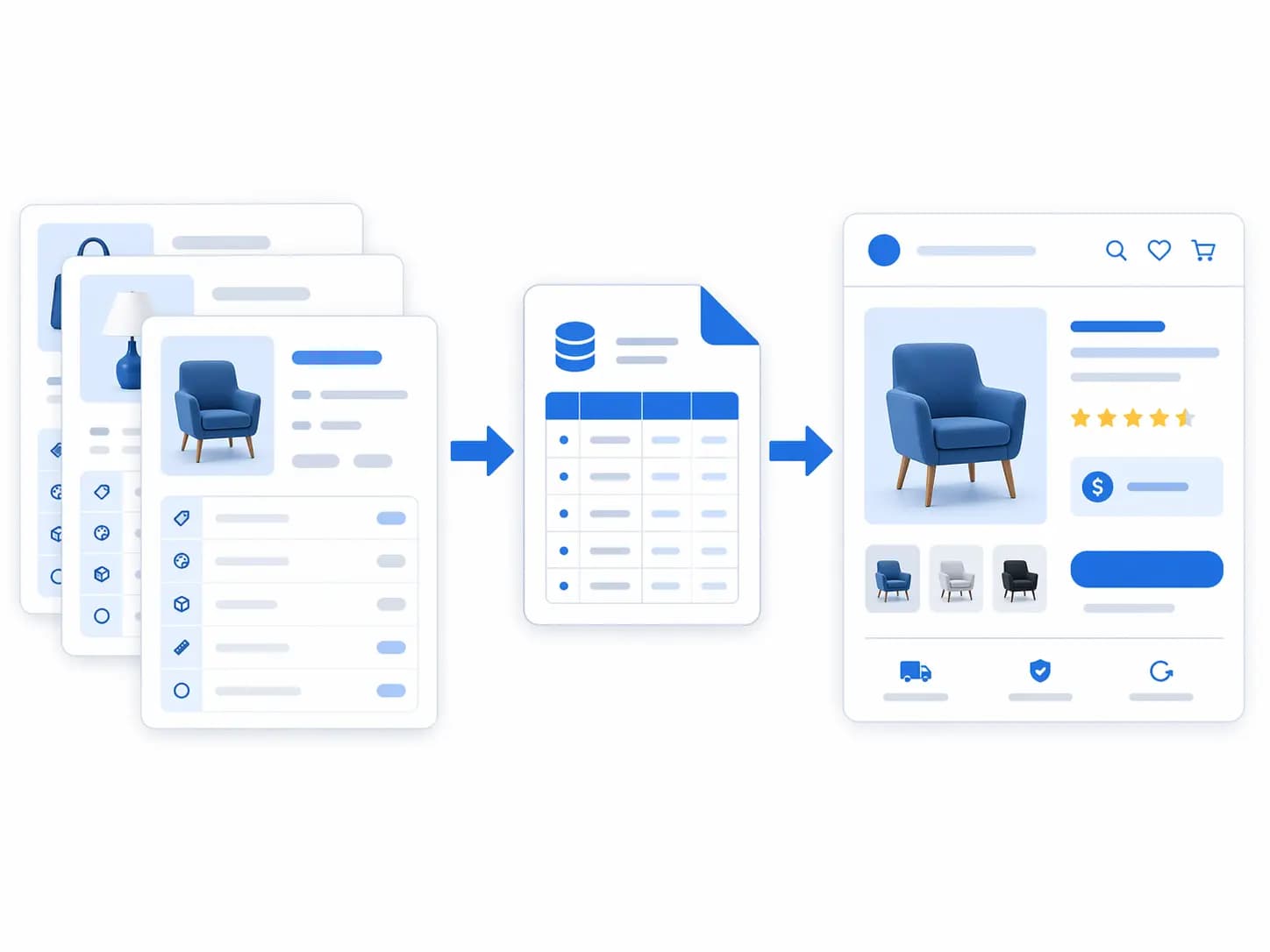
Shopify gives merchants a practical product structure, but fast-growing catalogs often outgrow ad hoc collections and free-text tags. A clear taxonomy helps shoppers browse, improves filters and search, and gives teams a consistent way to publish products across Shopify and other channels.
Separate four layers of product organization
A reliable Shopify model keeps different jobs separate:
- Product category: the primary product type used for classification and downstream rules.
- Collections: curated or rule-based merchandising groups such as “new arrivals” or “waterproof jackets”.
- Attributes: reusable buying facts such as size, material, colour, compatibility, or capacity.
- Metafields: structured fields for additional business or channel data that does not belong in a title or description.
Do not use tags as a replacement for every layer. Tags are flexible, but uncontrolled tags become difficult to filter, translate, validate, and maintain.
Design the internal taxonomy first
Start with the buying structure in your business, then map it to Shopify. A good taxonomy describes what the product is before it describes how you want to promote it. For example, “Furniture > Seating > Dining Chairs” is a product structure; “Summer Sale” is a campaign collection.
The category mapping guide explains how to keep a controlled internal taxonomy while maintaining channel-specific mappings.
Use attributes for decisions shoppers make
Choose attributes by category. A chair may need width, height, material, finish, room, and assembly. A camera may need sensor size, mount, resolution, and compatibility. The attribute set should answer the comparison questions that stop shoppers from buying.
Use controlled values where filtering matters. “Dark green”, “forest”, and “green” may be useful editorial variations, but the filter system needs one canonical value with optional display labels. Keep units consistent and store the raw supplier value when traceability is important.
Model variants carefully
Variants represent purchasable options such as size, colour, or pack quantity. Do not create a variant for a marketing message or a specification that does not change the purchasable item. Product-level attributes apply to every variant; variant-level attributes describe what changes at checkout.
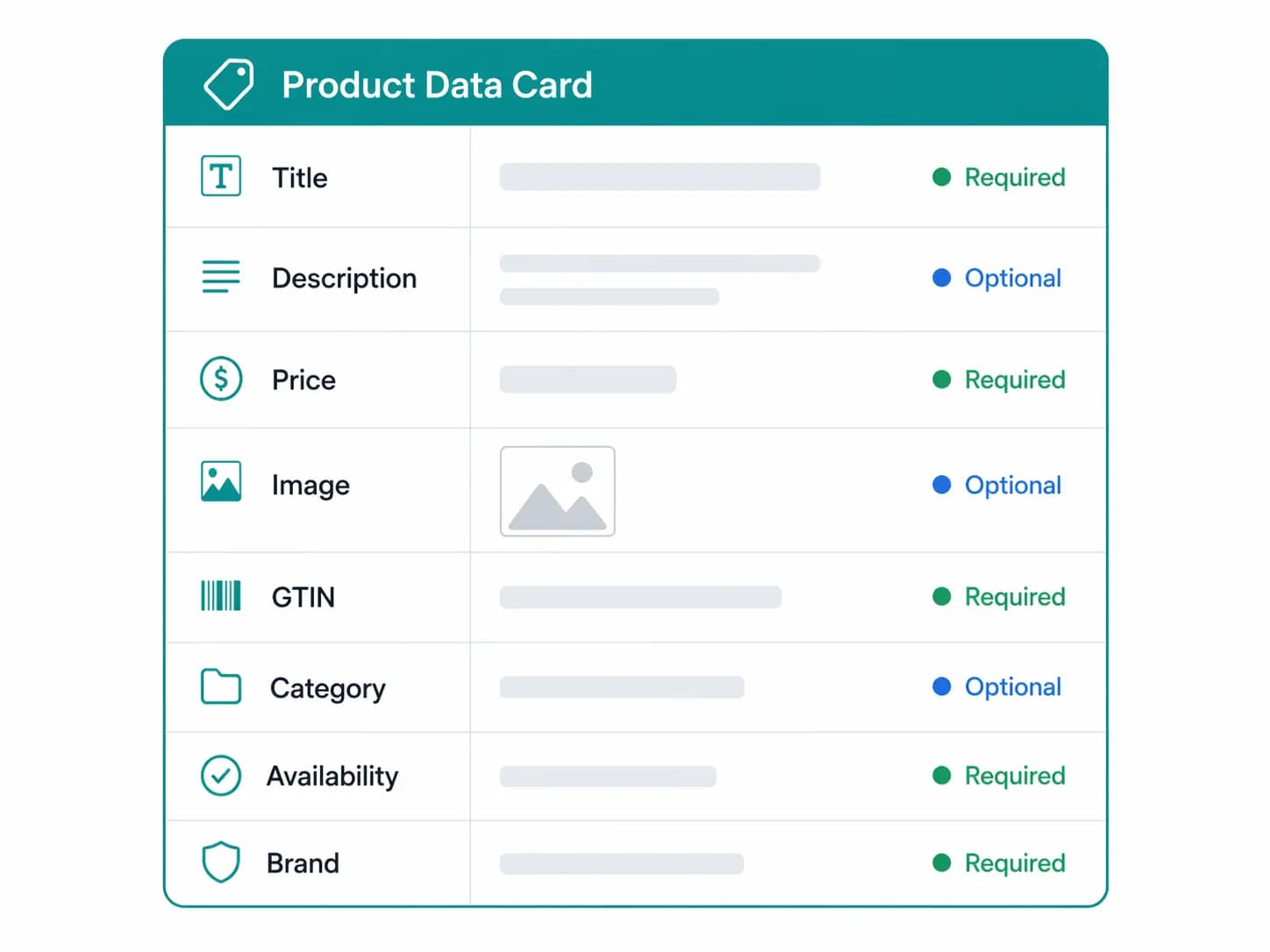
Before importing, define how SKU, barcode, inventory, price, images, and option names map to your source system. Test a product family with multiple options, missing values, and an image per variant.
Use metafields for structured extension
Metafields are useful for product specifications, care instructions, compliance references, warranty information, technical documents, and related products. Give each metafield a clear owner, data type, validation rule, and purpose. A metafield that only stores a paragraph copied from a supplier PDF may add complexity without improving discovery.
Build collection rules that remain stable
Use collections for merchandising and navigation, but base automated rules on controlled category and attribute values. Avoid building critical navigation on fragile title text or inconsistent tags. When a rule changes, test the collection size, empty states, canonical links, and breadcrumb behavior.
Which layer should hold this information?
When a new requirement appears, decide where it belongs before creating a tag or a collection.
| Need | Use | Reason |
|---|---|---|
| What kind of product is this? | Product category | Stable classification that drives rules and channel mapping |
| Show a group of products on a page | Collection | Curated or rule-based grouping for navigation or campaigns |
| Let customers filter by size, material or colour | Attribute or controlled option | Needs consistent values for filtering |
| Store care instructions, specs or a document link | Metafield | Structured extension with its own data type |
| Internal flags or temporary workflow | Tag | Use sparingly; avoid for anything customers see |
A worked example: running shoes
- Category: Apparel & Accessories > Shoes > Athletic shoes (use the closest category Shopify offers).
- Variant options: Size and colour, each with its own SKU, barcode and image.
- Product attributes: Gender, surface (road, trail), cushioning level, upper material.
- Metafields: Care instructions, sustainability certificate link, size-guide reference.
- Collections: “Trail running”, “New arrivals”, “Under a budget”, built from category and attribute rules instead of title text.
- Tags: Only internal flags such as “needs-photography”.
The product is classified once, filtered by controlled attributes and grouped by rules. Nothing important depends on a free-text tag.
Shopify categories compared with your internal taxonomy
Shopify provides a standard product taxonomy, which is useful for classification and channel compatibility. It is not a replacement for your own structure if you sell across several channels or need a finer level of detail. Keep an internal taxonomy as the source of truth and map each leaf to the closest Shopify category. The comparison of Google categories and internal taxonomy explains the same principle for Google Shopping.
A migration checklist for existing stores
- Export products with current categories, tags, collections and metafields.
- List every tag and decide whether it becomes an attribute, a collection rule, a metafield or is retired.
- Assign a Shopify category to each product, starting with the highest-revenue ones.
- Normalize values for colour, size and material before importing.
- Rebuild collections from rules and test them for empty states.
- Check redirects for any changed collection URLs.
- Re-export a feed and validate it before publishing.
Common Shopify taxonomy mistakes
- Using tags for everything. They are hard to govern and translate.
- Collections that depend on title text. A retitled product silently leaves the collection.
- Variants for non-purchasable differences. Marketing copy and specs are not options.
- Metafields without owners. They become a dumping ground for unused data.
- Skipping channel validation. Category changes can affect feeds and filters.
Shopify taxonomy FAQ
Should I use Shopify’s categories or build my own?
Do both. Use Shopify’s standard categories for classification and compatibility, and keep your own taxonomy for detail and multi-channel mapping.
When should I use a metafield instead of a tag?
When the value has a type, an owner and a purpose, such as care instructions or a document link. Tags are better for simple internal flags.
Can I manage this outside Shopify?
Yes. A PIM can hold the source taxonomy and publish approved values to Shopify. See how to manage product data across Shopify, Amazon and PDF catalogs .
Governance for a growing Shopify catalog
As a catalog grows, the number of collections, tags and metafields grows with it. A few simple rules keep it manageable.
- Name an owner. One person or team approves new categories, attribute values and metafield definitions.
- Document definitions. Keep a short sheet listing each metafield, its type, its purpose and where it is used.
- Review tags quarterly. Retire unused tags and convert recurring ones into attributes or collection rules.
- Control values. Maintain a list of allowed values for colour, material and size, and import against it.
- Test before bulk changes. Apply changes to a small product set, then check collections, filters and feeds.
Plan for multiple channels
If you also sell on marketplaces or other storefronts, the same product needs different category and attribute representations. Maintain mappings from your internal taxonomy to each destination instead of editing products per channel. This is where a PIM becomes useful, as described in the PIM and Google Shopping integration guide .
Measure the result
After a taxonomy clean-up, track search exits, filter usage, collection page conversion, and feed diagnostics for category and attribute errors. Compare against a baseline from before the change.
Validate feeds and search after changes
Taxonomy changes can affect Google Shopping category mappings, product feeds, filters, and analytics. Run a representative export after every structural change. The Google Shopping Feed Generator can help create a channel-ready feed, while the product attributes guide covers filter design.
For large catalogs, keep the source taxonomy outside the storefront and publish approved values into Shopify. This makes governance, supplier normalization, and multi-channel reuse much easier.
Commercial readiness checklist
Before you scale the model, confirm that your team can import supplier data, approve changes, identify incomplete products, and publish the same product truth to every channel. If those steps are still manual, review the PIM Readiness Score to see where a managed product workflow would create the most leverage.

Product catalog mapped across ecommerce and marketplace sales channels