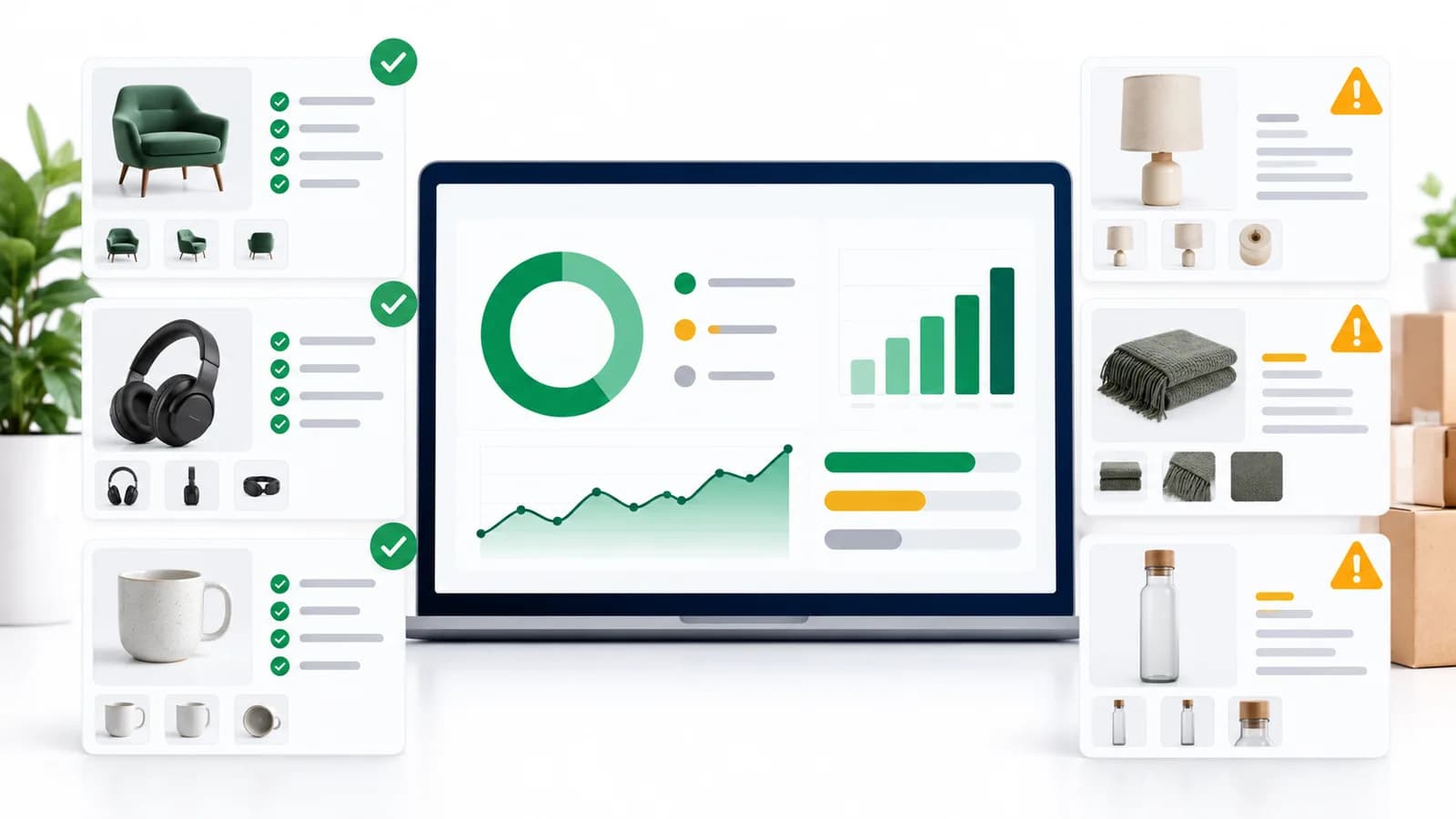
“We need a PIM” often really means: we need product data governance.
TL;DR: Product data governance is the set of rules, roles, and workflows that determine:
Governance is how you keep product information accurate as your catalog grows, your channels multiply, and more people touch the data. This guide explains how to set clear ownership, define approval workflows, and prevent chaos—whether you use spreadsheets today or a PIM.
What is product data governance?
Product data governance is the set of rules, roles, and workflows that determine:
- Who owns each piece of product information (titles, specs, images, compliance, pricing fields).
- How changes happen (draft → review → approval → publish).
- What “good” looks like (validation rules, required fields, controlled values).
- How mistakes are prevented (permissions, audit logs, exceptions).
A PIM makes governance easier, but governance itself is not a tool—it’s an operating system for product data.
Why governance matters (the hidden costs of “no owner”)
When ownership and approvals are unclear, teams pay a recurring “spreadsheet tax” in these ways:
- Incorrect specs → returns and support tickets
- Incomplete listings → disapproved feeds and missed launches
- Constant rework → the same products “fixed” repeatedly
- Broken accountability → “who changed this?” becomes guesswork
- Channel inconsistency → different truths in Shopify, sheets, and marketplaces
If this feels familiar, start with: PIM vs Spreadsheets and When Do You Need a PIM? .
The 3 pillars of product data governance
1) Ownership (who is responsible)
Ownership answers: who is accountable for each data domain?
2) Standards (what “good” means)
Standards define: naming conventions, required attributes, allowed values, image rules, and per-channel requirements.
3) Workflow (how changes get approved)
Workflow makes governance operational: drafts, reviews, approvals, publishing, and auditability.
Roles and responsibilities (a practical model)
You don’t need a big org to do governance. You need clarity. Here’s a practical role model most teams can adapt:
| Role | Owns | Approves | Typical KPIs |
|---|---|---|---|
| Catalog / Product Ops | Taxonomy, attributes, standards | Data completeness readiness | % complete SKUs, time-to-publish |
| Merchandising | Product grouping, assortment logic | Storefront readiness | Conversion, AOV, search performance |
| Content / SEO | Descriptions, SEO fields, rich content | Brand/content quality | CTR, PDP engagement, SEO visibility |
| Compliance / Legal (as needed) | Regulatory fields, certificates | Compliance approval | 0 compliance incidents |
| IT / Integrations | System syncs, mapping, reliability | Integration changes | Error rate, sync success, uptime |
Even if the same person plays multiple roles, keep the responsibilities separate. That’s how governance stays stable as you scale.
Define ownership by “data domains” (not by people)
Instead of trying to assign owners for every single field, define ownership by domain:
- Core identifiers: SKU, GTIN/UPC/EAN, MPN, brand
- Category + taxonomy: classification, product types
- Commercial fields: pricing, bundles, pack sizes (often ERP-owned)
- Content: title, bullets, description, SEO meta
- Media: images, videos, documents, manuals
- Compliance: safety, certifications, regulated attributes
- Channel mapping: required fields per channel, formatting rules
This is also how you build a true single source of truth: by defining which system owns which domain. Read: Single Source of Truth for Product Data.
Approval workflows (simple templates that work)
The best workflow is the smallest workflow that prevents mistakes. Here are 3 templates you can copy.
Workflow A: Small team (fast approvals)
- Draft (creator)
- Review (catalog ops or merchandising)
- Publish (same reviewer or owner)
Workflow B: Multi-team (most common)
- Draft (supplier intake / ops)
- Content review (content/SEO)
- Merch review (merchandising)
- Compliance review (only if regulated category)
- Publish (catalog ops)
Workflow C: High-risk categories (regulated / technical)
- Draft
- Validation checks (required fields + controlled values)
- Compliance approval
- Final approval (ops lead)
- Publish
Note: workflows should be category-aware (different required fields per category) and channel-aware (different requirements per channel). That’s where spreadsheets struggle—see: PIM vs Spreadsheets.
Governance rules you should document (minimum viable)
- Naming conventions: title format, brand rules, units rules
- Required fields: per category and per channel
- Allowed values: controlled vocabulary (colors, sizes, materials)
- Image standards: minimum size, background rules, file naming
- Change policy: who can change taxonomy/attributes and how
- Audit policy: what changes must be tracked and retained
How a PIM makes governance easier
- Permissions: restrict edits by role and field/domain
- Validation: enforce required fields + allowed values
- Workflows: built-in approval steps and states
- Audit logs: trace changes without “who edited the sheet?”
- Channel rules: export-ready formats per channel
To understand the foundational concepts behind these terms, keep this open: PIM Glossary .
Governance checklist (copy/paste)
- We have a documented taxonomy owner
- We have defined attribute sets per category
- We know which system is SSOT for each data domain
- We have required fields per category/channel
- We use controlled vocabularies for key attributes
- We have an approval workflow with named approvers
- We can track changes (audit trail)
- We can measure completeness (“ready to publish”)
FAQ
Can we do governance without a PIM?
Yes—but it’s harder to enforce. You can document owners and standards in spreadsheets, but validation, approvals, and audit trails remain fragile. A PIM makes governance operational and scalable.
What’s the first governance step most teams should take?
Define ownership by data domain and document required fields per category/channel. That alone reduces rework and makes gaps visible.
nnNext steps: the PIM Readiness Score ; LynkPIM pricing ; a LynkPIM demo .
nn
PIM workflow connecting supplier product data with ecommerce and sales channels