Every Digital Product Passport has to be reachable from the product itself. The Ecodesign for Sustainable Products Regulation (ESPR), Regulation (EU) 2024/1781, requires the passport to be accessible through a data carrier: a marking on the product, its packaging or its documents that a person or machine can read to reach the passport. The regulation does not pick one technology for every product. This guide compares the four carriers most teams consider, QR code, Data Matrix, NFC and UHF RFID, explains how to encode a stable identifier that survives change, and gives a decision process by product type. You can run your own answers through the free DPP Data Carrier Selection Guide for a ranked result.
What the ESPR expects from a data carrier
The ESPR sets a few general expectations that apply whichever carrier you choose. The specific carrier and placement for a product group are set by that group’s delegated act, so treat this as the common ground and check your own act when it is published.
- The passport is reached through a data carrier. The carrier links to the passport and must be readable by the audiences who need it.
- A unique product identifier. Each passport is tied to a unique identifier for the product, and related unique identifiers for the economic operator and facility are expected as well. The ISO/IEC 15459 series, or an equivalent, is the reference for how such identifiers are structured.
- Placement. The carrier is placed on the product, its packaging or accompanying documents, depending on what the delegated act allows.
- Persistence. The passport must stay available for the expected life of the product, and the ESPR expects a backup copy held by an independent third-party provider.
- Open standards. Access is meant to use open, interoperable formats. European standardisation bodies (CEN and CENELEC, through their joint committee on the topic) are drafting the technical standards, and they may narrow the choices.
The four carriers compared
| Carrier | Standard | How it is applied and read | Best for | Main limits |
|---|---|---|---|---|
| QR code | ISO/IEC 18004 | Printed or marked; any phone camera reads it | Consumer-facing labels, packaging, hangtags, manuals | Wears off on long-life products; needs a clean, sized area |
| Data Matrix (GS1 DataMatrix) | ISO/IEC 16022 | Printed, laser-etched, dot-peened or moulded; small footprint | Metal and hard plastic parts, small components, industrial and medical items | Some phone camera apps need an extra app; less familiar to consumers |
| NFC tag | ISO/IEC 14443 and NFC Forum tag types | Tap with a phone; can sit inside the product | Premium goods, products where print will not survive, tamper-evident use | Higher unit cost; metal interferes without an on-metal tag; short range |
| UHF RFID tag | ISO/IEC 18000-63 (EPC Gen2) | Read at a distance and in bulk by fixed or handheld readers | Textile sorting, logistics, stock counts, recycling lines | Phones cannot read UHF; reader infrastructure needed; higher cost |
The pattern is simple. Optical codes (QR and Data Matrix) are cheap, need no power and print almost anywhere, but they need a visible, undamaged area. Radio tags (NFC and RFID) can be hidden in the product and survive wear, but they cost more per unit and need suitable readers. Most products need an optical code as the universal fallback, with a radio tag added only when there is a clear operational reason.
QR code versus Data Matrix
These two are the realistic default for most products, and choosing between them comes down to size, surface and audience.
When a QR code is the right answer
- Consumers will scan it with a phone camera. Every modern phone reads QR codes natively.
- There is room for it. A QR code needs a clear border of at least four modules on all sides (the “quiet zone” in ISO/IEC 18004) and enough size for the scanning distance.
- It is printed on paper, board or a label where contrast is easy to control.
When Data Matrix is the right answer
- The area is very small, such as a component, a cable or a small metal part. Data Matrix stays readable at sizes where a QR code cannot.
- The code is marked directly into the surface with a laser or dot-peen, which suits metals and hard plastics.
- The main readers are professionals with scanners, such as repairers, recyclers and inspectors, rather than shoppers.
Both codes use error correction. A QR code has four levels (L, M, Q and H) that can recover roughly 7, 15, 25 and 30 percent of damaged data. Choosing a higher level makes the code more robust to scuffing at the cost of a larger or denser symbol, which matters for products that live for years.
Where NFC and UHF RFID fit
NFC
An NFC tag is read by tapping a phone on the product. Because the tag can sit inside the product, it survives where a printed code would wear away, and it can be locked or updated. It is a good fit for premium products and for cases where a visible code is unwanted. Its limits are cost per unit, the very short read range and interference from metal, which needs an on-metal tag design.
UHF RFID
A UHF RFID tag is read by a reader from a distance, many items at a time and without line of sight. It is strong in logistics, stock counting and, increasingly, automated sorting of textiles and electronics for reuse and recycling. Phones cannot read UHF tags, so RFID alone does not serve consumers. In practice RFID is an addition to an optical code, not a replacement.
Carrier choice by product type
| Product type | Typical carrier approach | Why |
|---|---|---|
| Apparel and footwear | QR code or Data Matrix on a sewn-in care label, plus an optional washable RFID or NFC tag in a seam | The code must survive washing; RFID helps sorting and recycling lines |
| Furniture and mattresses | QR code on a label under the product or on the frame; Data Matrix where the surface is laser-marked | Long life: choose a durable label placed where it is not covered or worn |
| Electronics and appliances | QR code on the rating plate or in the product menu; Data Matrix on internal parts | Repairers need part-level identification and a stable link to manuals and spare parts |
| Steel, aluminium and metal parts | Laser-etched or dot-peened Data Matrix; an on-metal tag if a tag is needed | Bare metal defeats ordinary NFC and RFID; marking must survive heat and abrasion |
| Batteries | QR code on the battery, as the Battery Regulation requires for passport batteries | Regulation sets the carrier; the choice is about durability and placement |
| Tyres | Moulded or laser-marked code on the sidewall area | Heat, abrasion and rubber flex; existing tyre markings are a starting point |
This table is a starting point built from the physical properties of each product, not from legal requirements. Your product group’s delegated act, when adopted, decides what is accepted. The DPP Product Category Lookup shows where each group stands.
Encode a stable identifier, not a fixed address
The carrier is physical and permanent. The passport it points to will move as hosting providers change, systems are replaced and regulations evolve. If you print a direct address that points to today’s server, every product already in the field breaks when that address changes. The answer is to encode a stable, resolvable identifier and keep the mapping to the current location under your control.
The GS1 Digital Link standard (ISO/IEC 18975) does exactly this. It expresses a product identifier as a web address whose path holds the identifier, for example:
https://id.example.com/01/09506000134352/21/A1B2C3
Here 01 is the application identifier for the GTIN, followed by the 14-digit GTIN, and 21 is the application identifier for a serial number, followed by the serial. The same address works when scanned at a till, by a consumer with a phone, or by a repairer, and your resolver decides what each audience sees. If you change hosting, you change the resolver, not the products. The check digit of the GTIN in that example can be confirmed with the
GTIN Check Digit Calculator
, and the guide to
how GTIN check digits work
explains the arithmetic.
Serialisation level
Decide early whether the passport is for the product model, a production batch or each individual item. The ESPR allows the granularity to be set by the delegated act. Model-level passports are simplest, and item-level passports need a serial number printed or written on every unit, which affects the marking process and the cost. Design the identifier so that you can move to a finer level later without changing the code structure.
A five-step selection process
- List the surfaces. Group your products by material and finish: paper, textile, plastic, metal, glass. The surface rules out options faster than anything else.
- Define the lifetime and conditions. A code on a disposable pack faces different risks than one on a washing machine or a steel beam. Include heat, abrasion, sunlight, chemicals and washing cycles.
- Name the readers. Consumers, repairers, recyclers and authorities read carriers in different ways and with different devices.
- Score the options. Use the DPP Data Carrier Selection Guide to score all four carriers against your answers, and record the reasoning.
- Test in real conditions. Print or mark samples, age them, and scan them with the phones and readers your audiences use, in poor light and at an angle.
Common mistakes
- Printing a raw web address. When the address changes, the products in the field break. Use a resolvable identifier.
- Too little contrast or a missing quiet zone. A code on a busy pattern or against the edge of the label often fails to scan.
- Placing the code where it will be covered. A code on the inside of a product that is later built in, or under a removable cover, is not reachable.
- Choosing an NFC tag for a metal product without an on-metal design. The tag will simply not read.
- Relying only on RFID for consumers. Phones cannot read UHF, so there must be an optical code or an NFC tag too.
- Testing only new labels. A code that reads when new can fail after two years of wear. Test aged samples.
- Forgetting the passport behind the code. The carrier is only the door. What matters is that the record is complete, current and structured, which is covered by the guides to publishing QR and URL-linked passport records and the data behind a DPP-ready product .
Where this fits in your readiness plan
Choosing the carrier is step five of six in a typical readiness programme, after scope, data inventory, modelling and supplier evidence. See the full sequence in the 30-step ESPR compliance roadmap and track your progress with the ESPR Compliance Roadmap tool . Key terms such as data carrier, unique identifier and economic operator are defined in the DPP Terminology Glossary , and the wider programme is described in the Digital Product Passport guide .
Frequently asked questions
What is a data carrier in the Digital Product Passport?
A data carrier is the marking on a product, its packaging or its documents, such as a QR code, Data Matrix code, NFC tag or RFID tag, that a person or machine reads to reach the product’s digital passport.
Will the DPP require a QR code?
The ESPR requires a data carrier but does not name one technology for all products. Delegated acts and the technical standards being drafted decide what is accepted per product group. The Battery Regulation specifies a QR code for battery passports. A QR code is the safest default for consumer goods.
What is the difference between a QR code and a Data Matrix code?
Both are two-dimensional optical codes. A QR code is read by any phone camera and is best for consumer-facing labels. A Data Matrix stays readable at very small sizes and can be marked into metal or hard plastic, so it suits components and industrial goods.
Can I use an NFC tag or RFID tag instead of a QR code?
Only where the rules for your product group allow it, and in practice they work best in addition to an optical code. Phones cannot read UHF RFID tags, and NFC tags cost more per unit and can fail on metal without an on-metal design.
What is a GS1 Digital Link and why use it?
A GS1 Digital Link, standardised as ISO/IEC 18975, expresses a product identifier such as a GTIN and serial number as a web address. Printing it in the code lets you change where the passport is hosted without changing any product already on the market.
How do I make sure the code survives the product’s life?
Choose the carrier for the surface and conditions, use higher error correction for optical codes, place the code where it will not be covered or worn, and test aged and worn samples with the devices your audiences use.

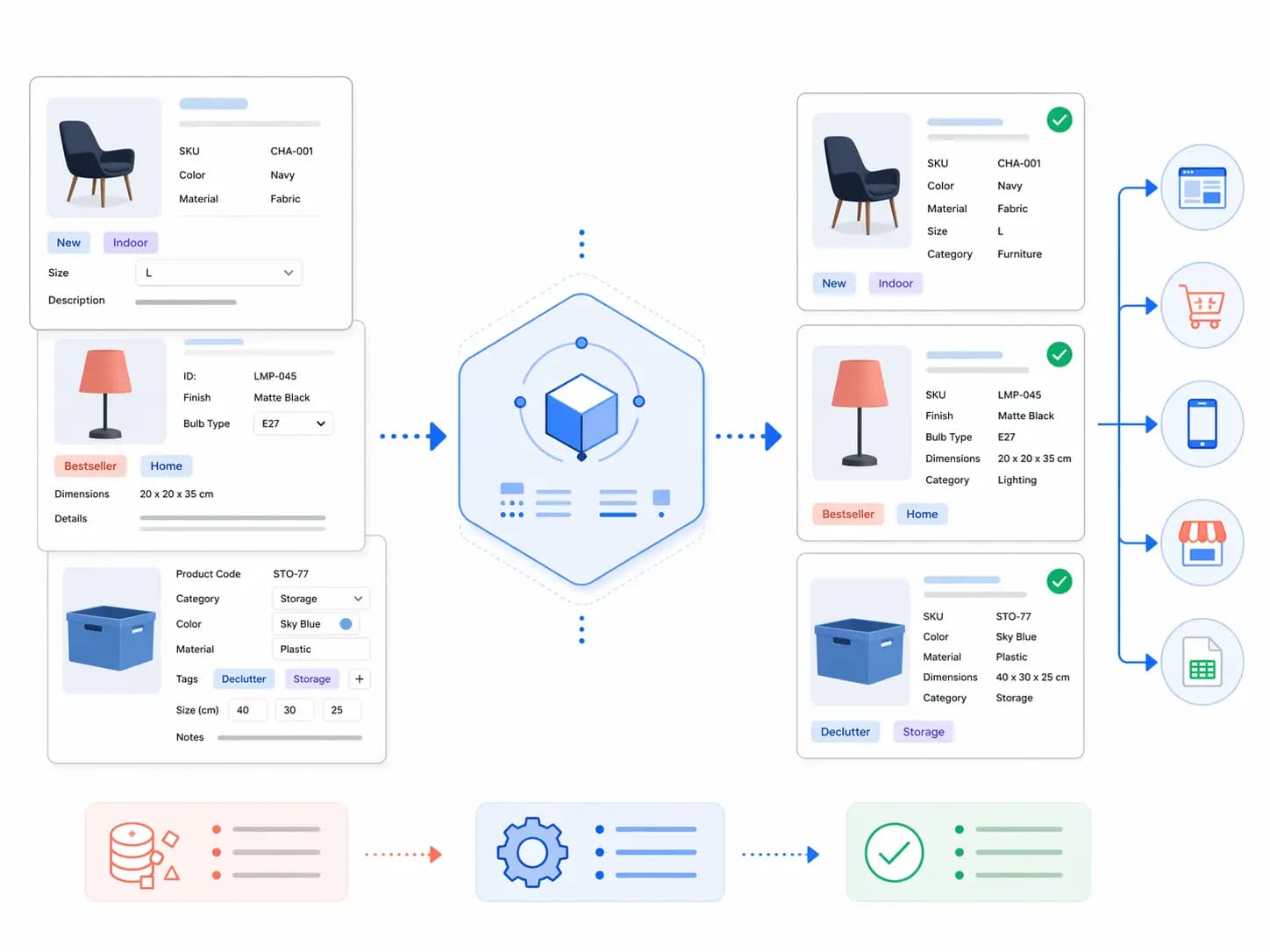
Digital Product Passport data workflow connecting products, materials, suppliers and compliance