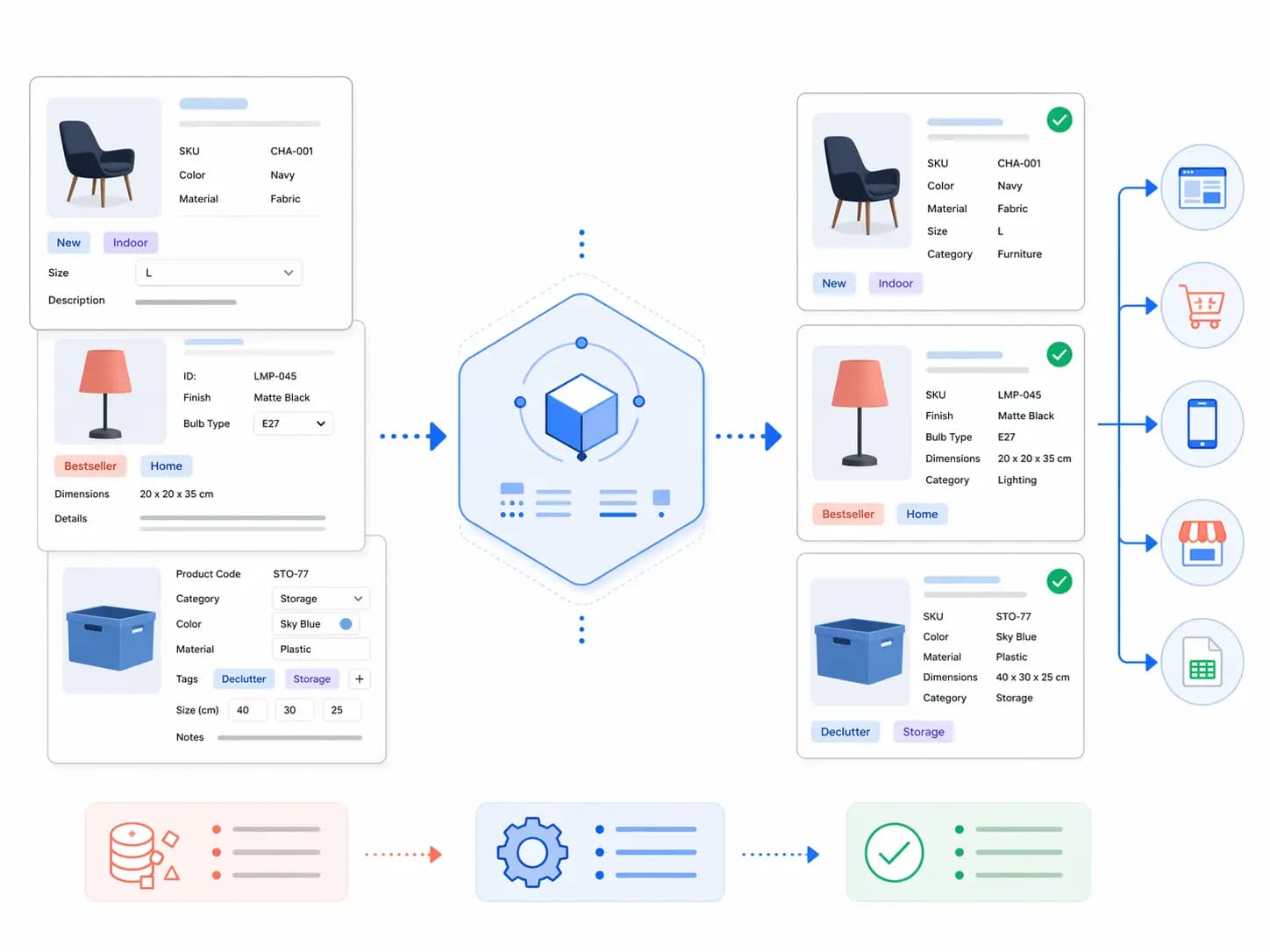
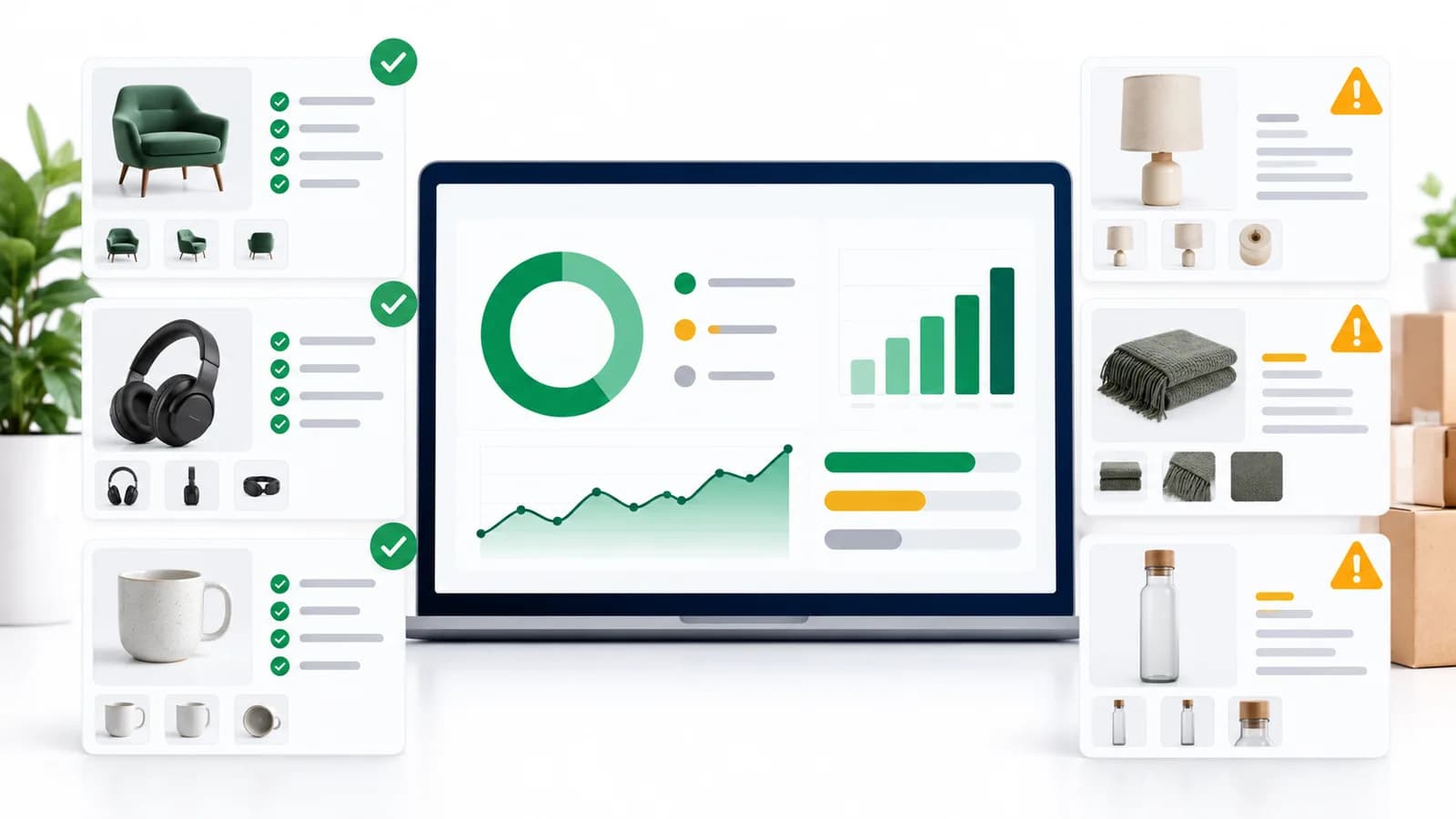
Building a product taxonomy from scratch takes days, and getting the attributes and Google mappings right takes longer. This free template gives you a working starting point for five industries, so you spend your time adapting it instead of building it from nothing.
It is free for everyone. There is no sign-up, no email form and no paywall: download the file below and use it. If you later want to manage your taxonomy in a PIM, there is a LynkPIM free plan , but you do not need it to use the template.
Download the free template
- Download the template (English, Excel .xlsx, 35 KB)
- Télécharger le modèle (français, Excel .xlsx, 37 Ko)
- Vorlage herunterladen (Deutsch, Excel .xlsx, 36 KB)
All three versions have the same structure and the same Google category IDs. Version 1.0, October 2026.
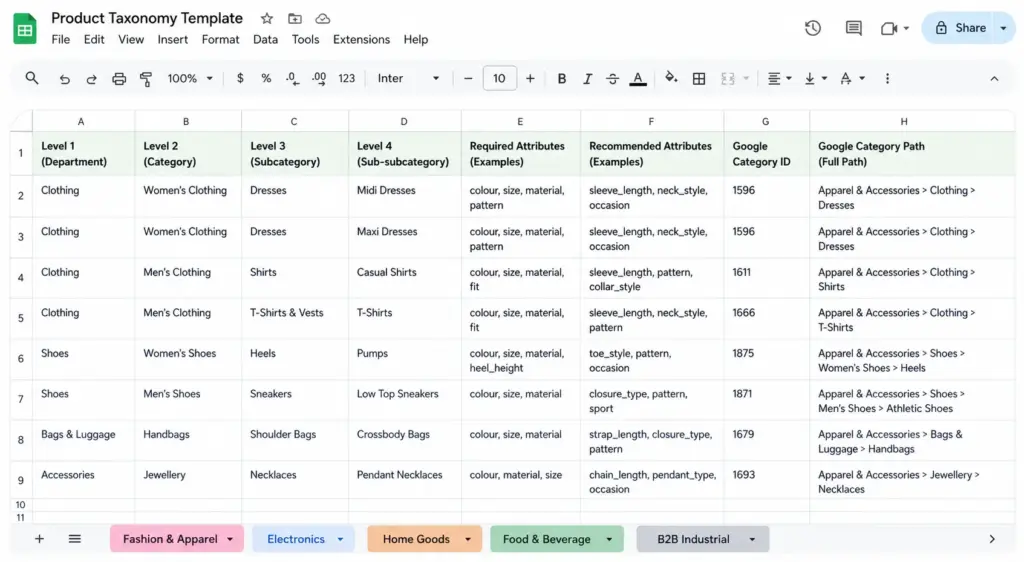
Product taxonomy template with category levels, Google category IDs and attribute sets
What is in the template
| Sheet | What it contains | Rows |
|---|---|---|
| Read me | How to use the file, how the data was checked, limits and sources | – |
| Core fields | The fields Google requires for every product, with limits and rules | 12 |
| Fashion & Apparel | Women, Men, Sport, Kids & baby, Footwear, Accessories | 35 |
| Electronics | Computers & laptops, Phones & wearables, Audio, TV & home cinema, Cameras & photography, Gaming, Components & storage, Cables & accessories | 21 |
| Home & Furniture | Furniture, Lighting, Bedding & textiles, Kitchen & dining, Storage & organisation, Home decor, Outdoor | 19 |
| Food & Beverage | Fresh & chilled, Ambient grocery, Beverages, Frozen, Snacks & confectionery, Bakery, Health & nutrition, Alcohol | 19 |
| B2B Industrial | Fasteners & fixings, Pneumatics & hydraulics, Electrical components, Safety equipment, Tools & machinery, MRO supplies, Pipe & tube | 16 |
| Attributes | Attribute codes with labels, types, notes and the matching Google feed attribute | 124 |
| Values | Normalised values: colours with synonyms, materials, sizes, the 14 EU allergens, Google accepted values and more | 163 |
On each industry sheet, a row looks like this: Women → Clothing → Dresses → Midi dresses | Google category ID 2271 | Apparel & Accessories > Clothing > Dresses | required attributes | recommended attributes.
Industry sheets in detail
Fashion & Apparel
Required attributes follow Google’s apparel rules: gender, age_group, color and size, plus item_group_id for variants. Google requires the first four for apparel in Brazil, France, Germany, Japan, the UK and the US. Recommended attributes add size_type, size_system (both optional in Google), material, fit, neckline and sleeve length where they apply. Footwear and jewellery rows have their own attributes (shoe width, heel height, metal, ring size and similar). Fuller background is in the
Fashion taxonomy guide
.
Electronics
Rows carry the technical specifications buyers filter by: processor, RAM, storage and screen size for laptops; wearing style and noise cancellation for headphones; connectors and cable length for cables; and a compatible_models attribute for accessories. An EU energy class attribute is included for product groups that carry the EU energy label, such as televisions. See the
Electronics taxonomy guide
.
Home & Furniture
Furniture rows require width, height, depth, weight, material, colour and whether assembly is needed. Lighting rows add bulb socket, wattage and lumens. Bedding rows use bed size, and style is split into two attributes: a marketing name for shoppers and a normalised filter value for your site. See the Home Goods taxonomy guide .
Food & Beverage
Pre-packed food rows include the 14 allergens in Annex II of Regulation (EU) No 1169/2011 (cereals containing gluten, crustaceans, eggs, fish, peanuts, soybeans, milk, tree nuts, celery, mustard, sesame seeds, sulphur dioxide and sulphites, lupin and molluscs) with separate “contains” and “may contain” fields. The mandatory nutrition declaration fields are there too: energy, fat, saturates, carbohydrate, sugars, protein and salt, per 100 g or 100 ml. Alcohol rows add alcohol by volume, and Google treats alcohol as restricted content in Shopping. Dietary flags (vegan, vegetarian, gluten-free, halal, kosher, organic) are optional and should only be set when you can evidence them. See the Food & Beverage taxonomy guide .
B2B Industrial
Rows carry the specifications industrial buyers search by: thread standard and size, material grade, pressure rating, temperature range, voltage, current, IP rating, and a certifications field for CE, UKCA, ATEX, RoHS and REACH. PPE rows include the category under Regulation (EU) 2016/425. The file gives the UNSPSC segment (two digits) only: add the full eight-digit code from a licensed UNSPSC copy if your buyers need it. See the B2B Industrial taxonomy guide .
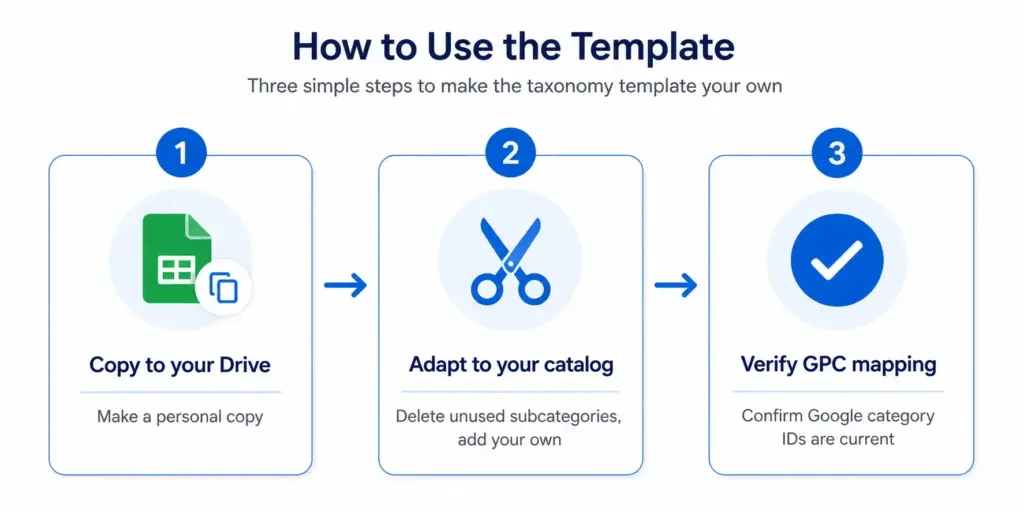
Adapting the product taxonomy template to a catalogue
How to adapt the template to your catalogue
- Save a copy of the file. In Google Sheets, upload it and choose File → Make a copy.
- Delete the rows you do not sell. If you have no footwear, remove the footwear rows.
- Add the product types that are missing. Copy a similar row and edit its attributes.
- Edit the Values sheet so colours, sizes and materials match your real product data. The file ships with 22 normalised colours and 35 materials; extend them with the values your suppliers use.
- Check Google IDs for anything you change. Look up the category in Google’s taxonomy file and confirm the ID before it goes into a feed.
Using the Google category column
google_product_category is recommended but not required, and you submit either the numeric ID or the full path, not both. The IDs are the same in every language. The template gives you one ID per row so you can map your own categories to Google’s. For how the mapping works and common mistakes, read the
Google product category guide
and the
category mapping guide
.
How the data was checked, and what it does not do
- Google category IDs: matched against Google’s official taxonomy file (version 2021-09-21, 5,595 categories), with 0 mismatches.
- Required fields, apparel attributes and accepted values: checked against the Google Merchant Center product data specification in October 2026. The image minimum rises to 500×500 pixels on 31 January 2027, and the Core fields sheet says so.
- Allergens and nutrition fields: Regulation (EU) No 1169/2011. PPE categories: Regulation (EU) 2016/425. IP codes: IEC 60529.
- Not included: full eight-digit UNSPSC codes, size conversion charts (they differ by brand) and a catalogue of hundreds of colour names. The category levels reflect common ecommerce patterns, not an industry standard.
Before you build on top of the template, take the PIM Readiness Score to see where your product data governance has gaps. Then check required fields with the Product Data Completeness Checker and turn mapped categories into a feed with the Google Shopping Feed Generator . If you want to manage the taxonomy in one place, see LynkPIM pricing (there is a free plan) or book a demo .
Frequently asked questions
What is included in the free product taxonomy template?
One Excel workbook with 110 category rows across five industries (Fashion & Apparel, Electronics, Home & Furniture, Food & Beverage, B2B Industrial). Each row has up to four category levels, a Google product category ID and path, and the required and recommended attributes. Separate sheets hold the attribute dictionary (124 attributes), 163 normalised values and the core fields Google requires for every product.
Do I need to sign up or give an email address?
No. The download is free for every reader, with no account and no email. LynkPIM is optional: the file works on its own in Excel, Google Sheets or LibreOffice.
What format is the template in?
An .xlsx workbook. Open it in Excel or LibreOffice, or upload it to Google Sheets and use File → Make a copy. There are English, French and German versions with the same structure and the same Google IDs.
Is the Google product category data correct?
Every ID was matched against Google’s official taxonomy file (version 2021-09-21, 5,595 categories) and the category paths in the French and German files come from Google’s own translations. Google has not published a newer file, so check the current file before relying on a category you add or change. For some industrial products Google has no exact category, so the closest one is used and noted in the file.
Can I use the template for a mixed catalogue?
Yes. Copy the rows you need from each industry sheet into one sheet. Each row stands on its own, including its Google category ID.
Is the food and safety data legal advice?
No. The allergen list and nutrition fields follow Regulation (EU) No 1169/2011 and the PPE categories follow Regulation (EU) 2016/425, but labelling and certification rules depend on your product and market. Use the file as a checklist and confirm the details with your compliance team.